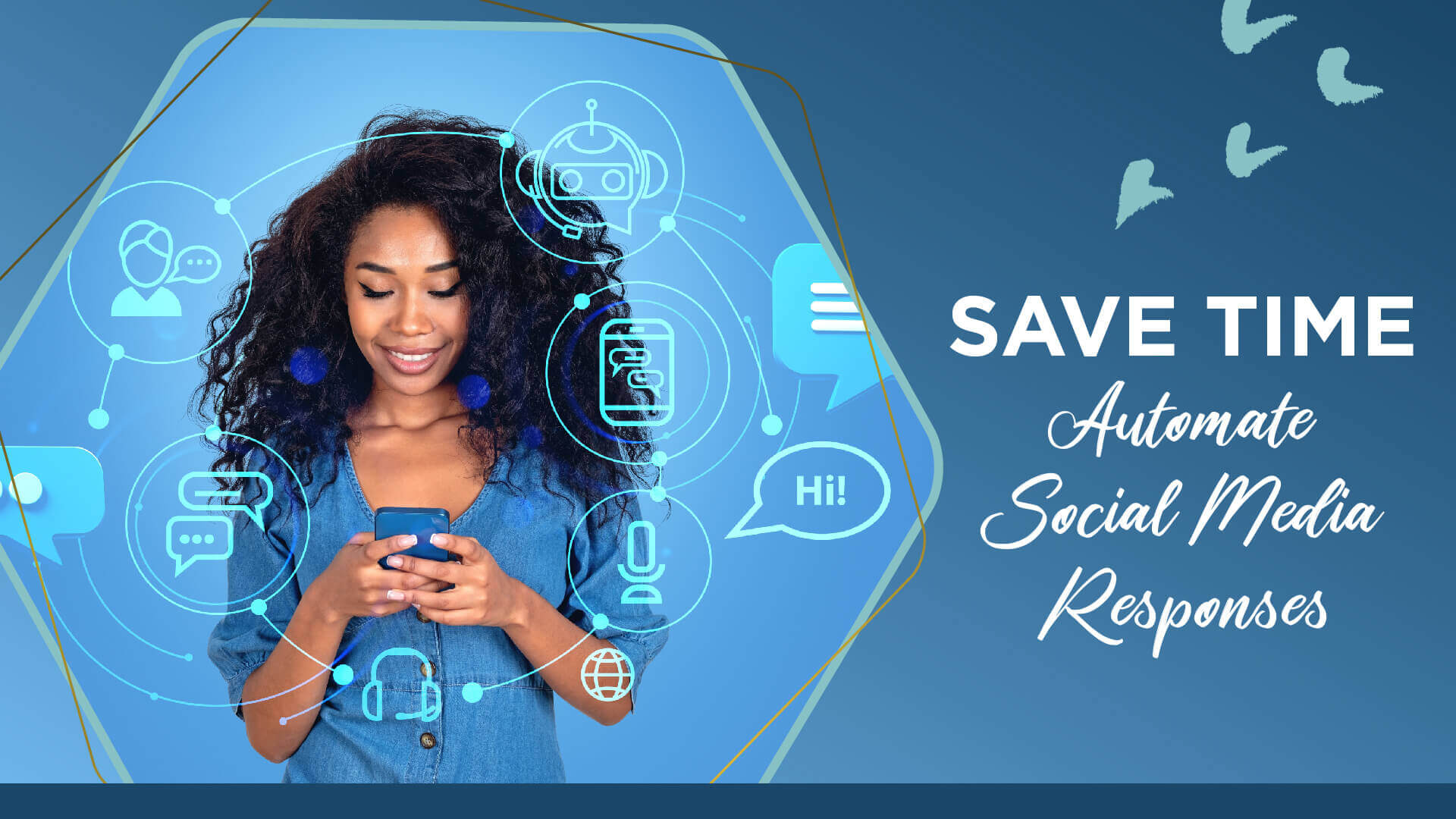
Save Time by Automating your Social Media Message Responses
Between phone calls, texting, emails, and social media direct messages, it feels as if clients have full access to salon professionals 24/7. It can be overwhelming trying to keep up with responses and downright irritating feeling obligated to respond immediately.
If you’re not currently taking advantage of automated messages to respond to social media messages or emails, it’s time you start!
In this blog post, our friends at Salon S.O.S. give you a break down on why automating and scheduling across digital marketing platforms is beneficial for salon/spa owners, provide you with the tools and resources you need to successfully schedule and automate, and give you a full step by step on how to create automated message on both Facebook and Instagram!
STOP WAITING, START AUTOMATING
 We live in a constantly evolving, digitally driven world and as small business owners, you have more responsibilities and tasks to juggle and manage than ever before. Long gone are the days of clients simply calling the salon during business hours, there are countless ways for them to contact you (all day, everyday…)
We also live in a time where people expect instant gratification—and it can be difficult, no, impossible to keep up timely responses on all of the different platforms. It is important, however, to give the people what they want and provide responses to their questions and inquiries in a timely fashion.
This is where automation comes into play! You can save auto-responses to any social media messenger to let the sender know that you will respond to them ASAP as well as offer other contact/booking info.
Having these messages automated to respond takes pressure off of you as a business owner as you can be confident you are providing your social media followers with a professional, immediate response without having to lift a finger!
SCHEDULING SOCIAL MEDIA POSTS
 We’d be doing you a disservice if we didn’t mention scheduling your salon’s social media posts and why it’s an absolute game changer.
As mentioned above, salon/spa owners have a LOT on their plates and the last thing we believe you should be worrying about is keeping up appearances on social media daily.
Taking an hour to plan and schedule your posts in advance will ensure your social presence is crisp and consistent without being a day to day burden.
There are countless apps and systems you can use to schedule your posts in advance—may we suggest checking out the Salon S.O.S. Social Media Scheduler?
So the question isn’t why should you be scheduling your social media posts, it should be why not.
FACEBOOK AND INSTAGRAM AUTOMATED RESPONSES
Here is a step-by-step guide to set up your automated responses on FB and IG:
- Make sure you are logged into your Business PAGE
- Click on the 3 lines in the top right corner to get to your Menu
- Select ‘Also from Meta’ and click on Meta Business Suite
- Click on your inbox (text bubble in menu across the bottom of the screen)
- Select Automated Responses and follow the prompts
- Go to your Profile Page
- Click on the 3 lines in the top right corner to get to your Menu
- Select SETTINGS
- Select BUSINESS
- Select SAVED REPLIES and follow the prompts
RESPONSE EXAMPLES
- Thanks for reaching out! A member of our salon team will get back to you ASAP. If you need to reach us sooner, call us at (phone number)!
- Hey there, I will be away from the salon until (date) and will be catching up on messages then! You can give the salon a call at (#) for all of your needs until then.
- We will respond to your inquiry as soon as we can! If you’re looking to kill some time until then, check out our online shop here! (Website link)
- Thanks in advance for your patience, one of our salon team member will respond shortly! If you’re looking to book an appointment, check out availability here! (Online booking link)
- Hi there! We are currently closed but will get back to you as soon as we’re open. Until then, you can book appointments online here (online booking) or shop online here (salon website)
AUTOMATION & SCHEDULING TIPS
- Establish how often you want to content batch and schedule time to do it. A few concentrated hours of social media content planning each month beats a scattered half hour daily!
- Don’t schedule too far in advance, you want to stay modern! Start with planning every week and then every month.
- You have 280 characters available for Facebook automated responses. You can also add direct links and attachments within messages.
CONCLUSION
Now that you know why you need to incorporate scheduling and automating into your salons digital marketing game, learned how to put it into play step by step and have examples of responses, you have no excuse not to take advantage of these tools that will make your life easier!
We challenge you to game plan automating messages and scheduling social posts and then put that game plan into action. This blog post contains everything you need to start and believe us, the sooner you start, the better!
Automating messages not only takes the pressure off of you to drop everything and respond immediately but also minimizes the chance of losing a potential client because of a delayed response.
If you want more great digital marketing tips or support for your salon business delivered straight to your inbox, sign up for the Salon S.O.S. VIP list here https://www.salonsos.ca/salon-digital-tips-vip. You can also follow them on Instagram @salon.s.o.s and check out their free digital marketing academy at www.salonsos.ca/digital-marketing-academy